



Solutions
Website content planning for every team responsible for a site
Whether you build sites for clients or run your organisation’s own, PagePot gives the sitemap, page content, assets, feedback and approvals one home. Pick the way you work to see how it fits.


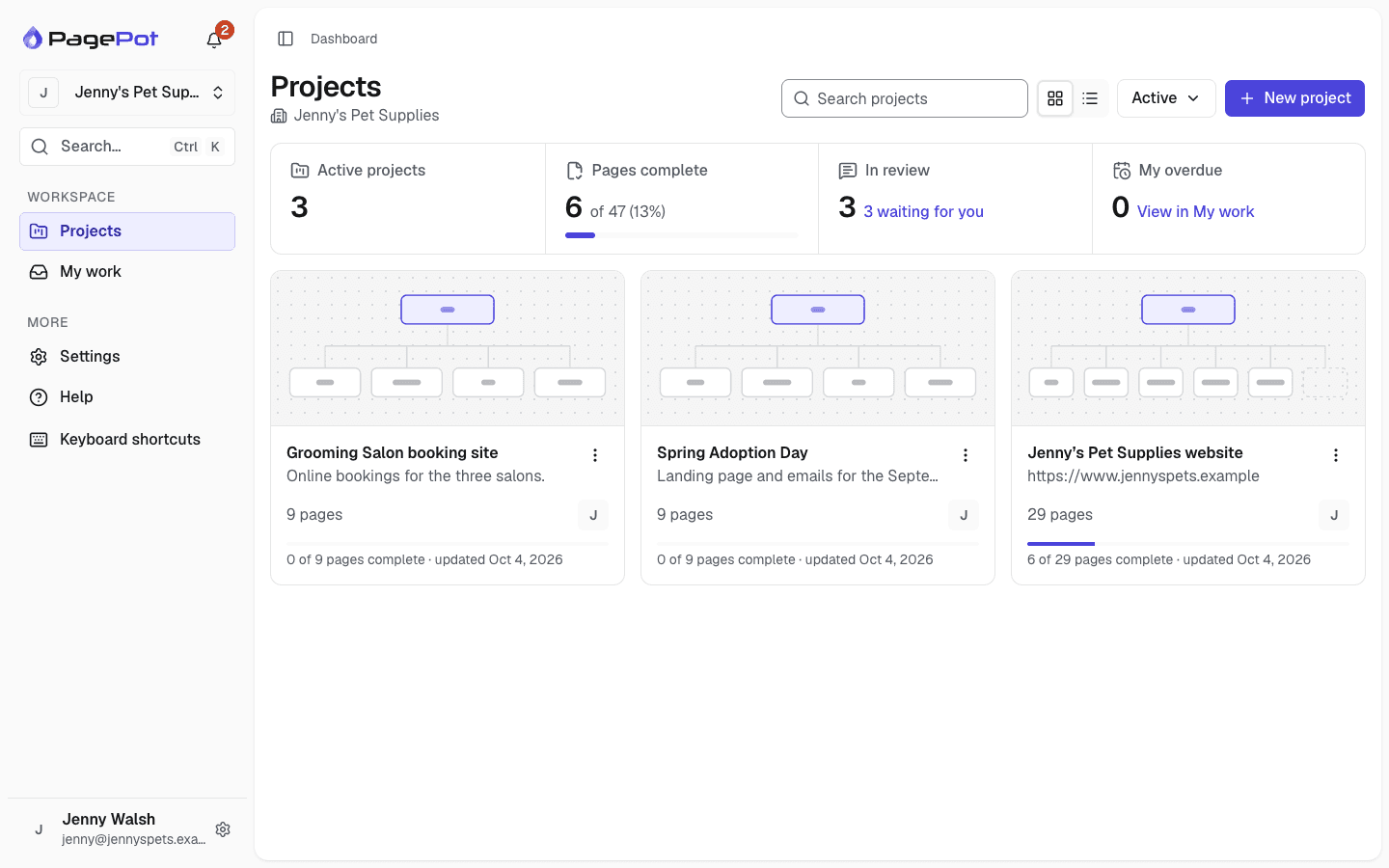
Solutions by team and project
Agencies, corporate marketing and digital teams, education institutions and government agencies work differently, on new sites and established ones. Each page shows the tools and workflow that matter most.
Marketing and digital teams
Run new pages and ongoing site updates with owners, due dates and approvals.
Marketing and digital teamsEducation
One site plan for faculties, departments and the central web team, with clear approvals.
EducationGovernment
Keep agency websites accurate, with named owners, recorded approvals and revision history.
GovernmentWebsite redesigns
Import the current site, restructure it and plan the migration page by page.
Website redesignsWhat every team gets
One place, not five tools
Structure, page content, files, comments and approvals live on the same page records, not in emails, chats, spreadsheets and shared drives.
Clear roles
Project managers shape the sitemap and approve pages. Editors write. Viewers review for free.
A clear view of progress
Statuses, required fields and recorded approvals show what exists, what needs to change and what is ready to publish.
A clean handoff
Export documents, inventories and developer packages, or import straight into Drupal.
Useful for every role on a website project
Whatever part of the site you own, PagePot has a place for it.
UX and IA designers
Model navigation and hierarchy on a visual sitemap, and map user journeys in diagrams linked to the pages they describe.
Sitemap builderProject managers
Assign pages, set due dates, track statuses on the content overview and calendar, and see progress on the dashboard.
Content plannerDevelopers
Get templates, fields and approved content in a structured handoff ZIP, the REST API or the Drupal module.
API and webhooksSolo freelancers
Plan a small site on the Starter plan, use the AI assistant for a first draft, and share a password-protected link with your client.
AI assistantFrequently asked questions
What is website planning software?
Website planning software helps a team agree what a site contains: the pages and navigation, the content for each page, and who signs off. PagePot combines a visual sitemap, a content planner, a file library, diagrams and review in one workspace, for new sites and for ongoing changes to established ones.
Is PagePot only for new websites?
No. Start a project from scratch for a new site, or import an established site from its sitemap XML, a Slickplan export or a crawl (crawler: Pro plan and up) and use PagePot to plan and track ongoing changes: who owns each page, what needs updating and what is approved and ready to publish.
How many people can work on a project?
It depends on the plan: Starter has 1 member, Pro 3, Team 10 and Agency unlimited. Viewers are free on every plan, so clients and stakeholders can review without using a seat.
Can clients review without an account?
Yes. Create a share link with an optional password and expiry date. Clients see the sitemap and pages and, if you allow it, leave comments without signing up.
Is there a free trial?
Yes. New workspaces get a 14-day Pro trial with no card needed, including 25 AI credits.