



Drupal integration
Drupal content planning that imports straight into Drupal 11
Plan the sitemap and write the content in PagePot. The PagePot module for Drupal 11 turns templates into content types, pages into nodes, files into media and the sitemap into menus.


Copying content into Drupal by hand
Approved copy sits in documents while developers build content types. Then someone pastes every page into node forms, re-uploads every image and rebuilds the menus, and the next round of edits starts the copying again.


Plan once, import into Drupal
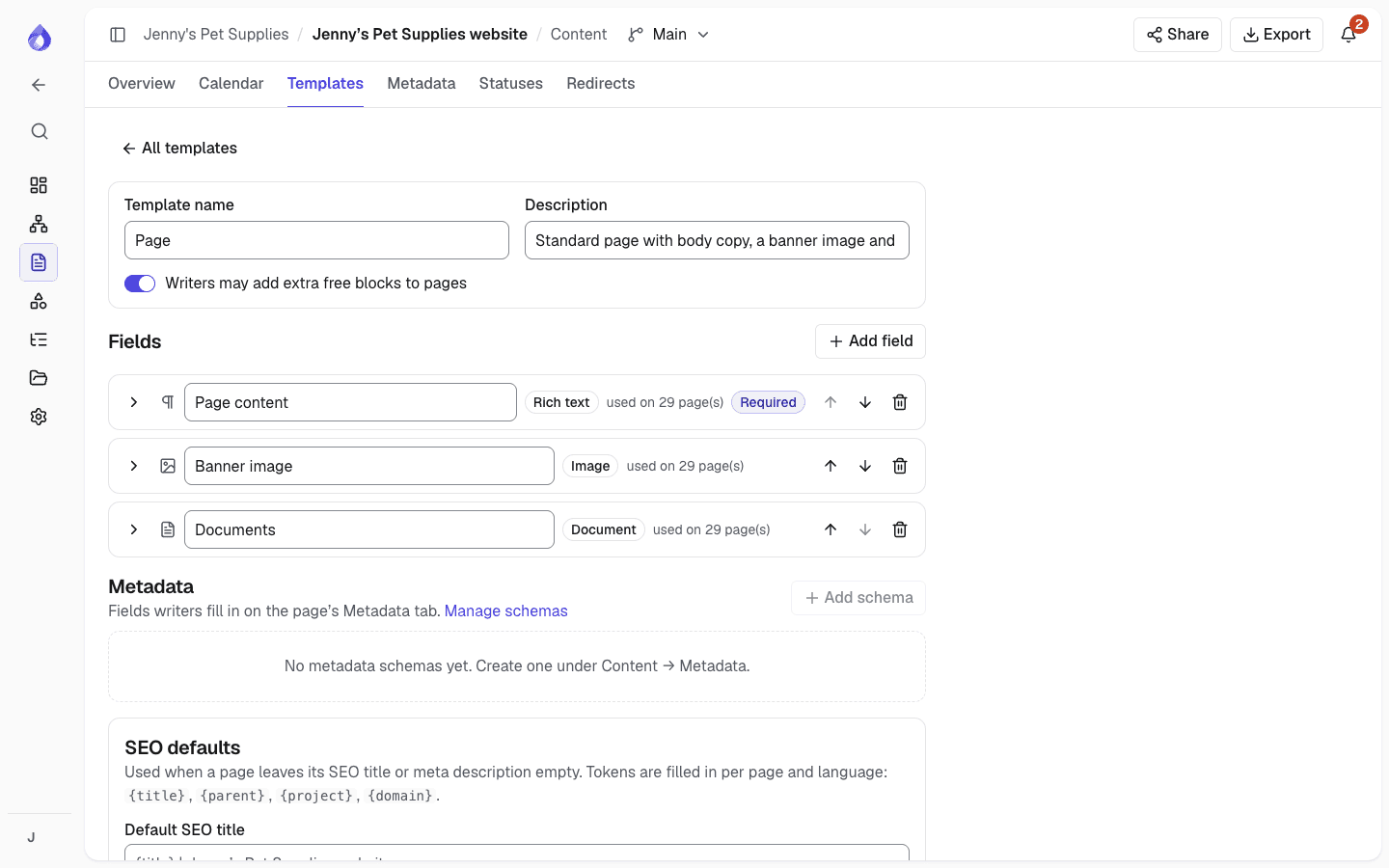
With PagePot, Drupal content planning happens in templates that match your content types. The Drupal module maps each template field to a Drupal field and imports the pages, files, translations and menus, then keeps them in step on later imports.
Your site, your structure
The mapping screens read the site’s own content types, fields and paragraph types. Nothing is assumed about how the site is built.
Review before you import
A dry run lists every page and language as create, update, unchanged, conflict or skip. Nothing is written until you confirm.
Drafts, not surprises
New content arrives unpublished, updates keep each node’s status, and imports never change the site’s front page.
How the Drupal integration works
Your developer installs the module once. After that, imports take a few clicks.
Install the module
Add the PagePot module to a Drupal 11 site (PHP 8.3+) with Composer and enable it. Paragraphs, Media, Metatag, Content translation and Content moderation are supported when the site uses them.
Connect with an integration token
In the project’s Settings → Integrations, create an integration token. Paste it into Configuration → Content authoring → PagePot with your PagePot address, and choose a menu for the main, utility and footer pages.
Map templates to content types
Under PagePot → Template mappings, choose a content type for each PagePot template and a Drupal field for each template field, including paragraphs, a Metatag field for SEO and taxonomy for metadata.
Import
On Content → Import from PagePot, click Fetch from PagePot or upload a Drupal package (JSON) exported from PagePot. Check the dry run, choose what happens to conflicts, and import.
What the module imports
Templates become content types, pages become nodes
Each PagePot template maps to a content type, field by field. Only compatible Drupal fields are offered, and the field type decides how content is written. Accordions, cards and other blocks can map to paragraphs, nested as deep as needed.
- Template fields and editor blocks can share a Drupal field
- Links between pages become links to the right node
- PagePot paths become URL aliases if you choose
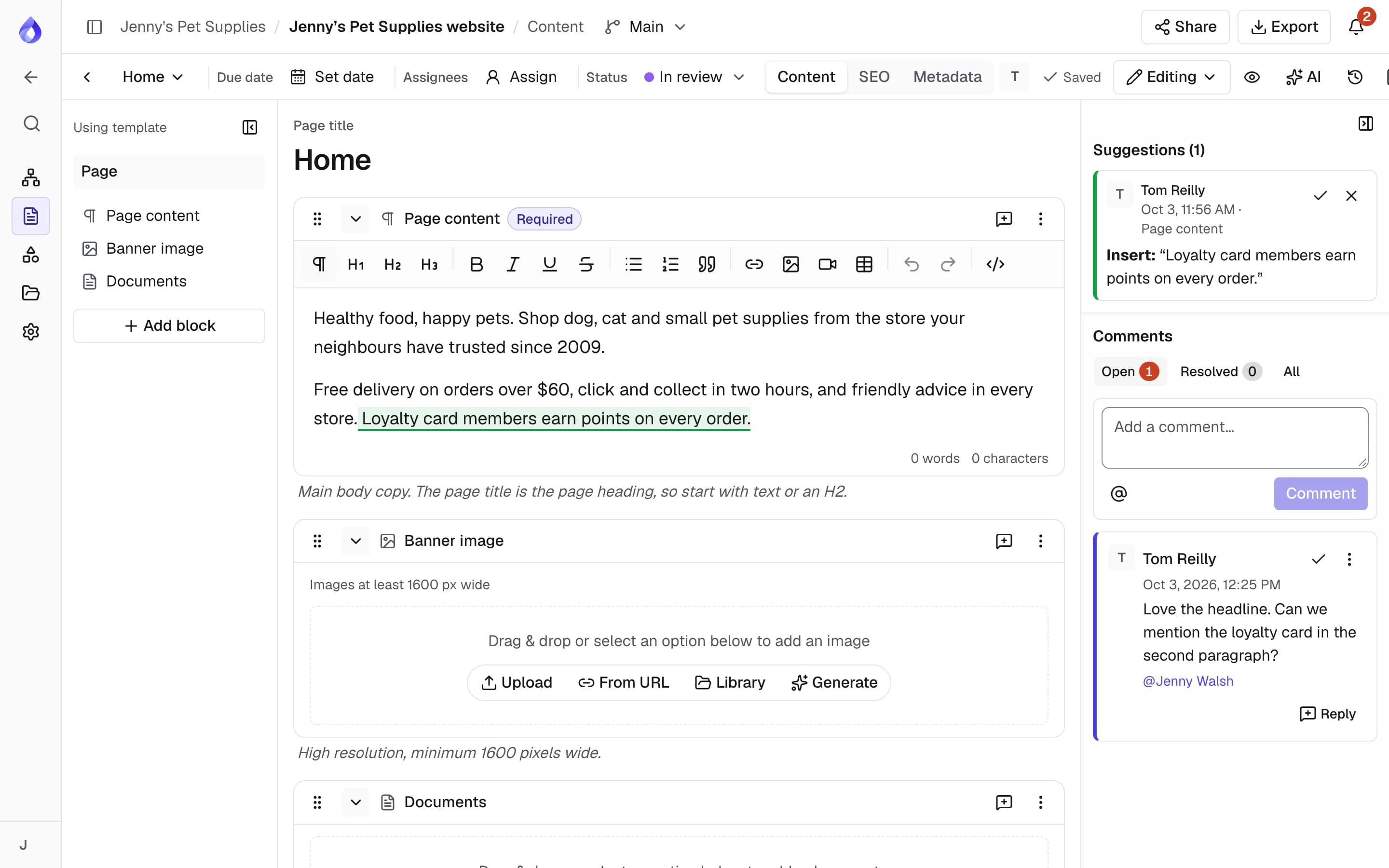
Files become media, downloaded safely
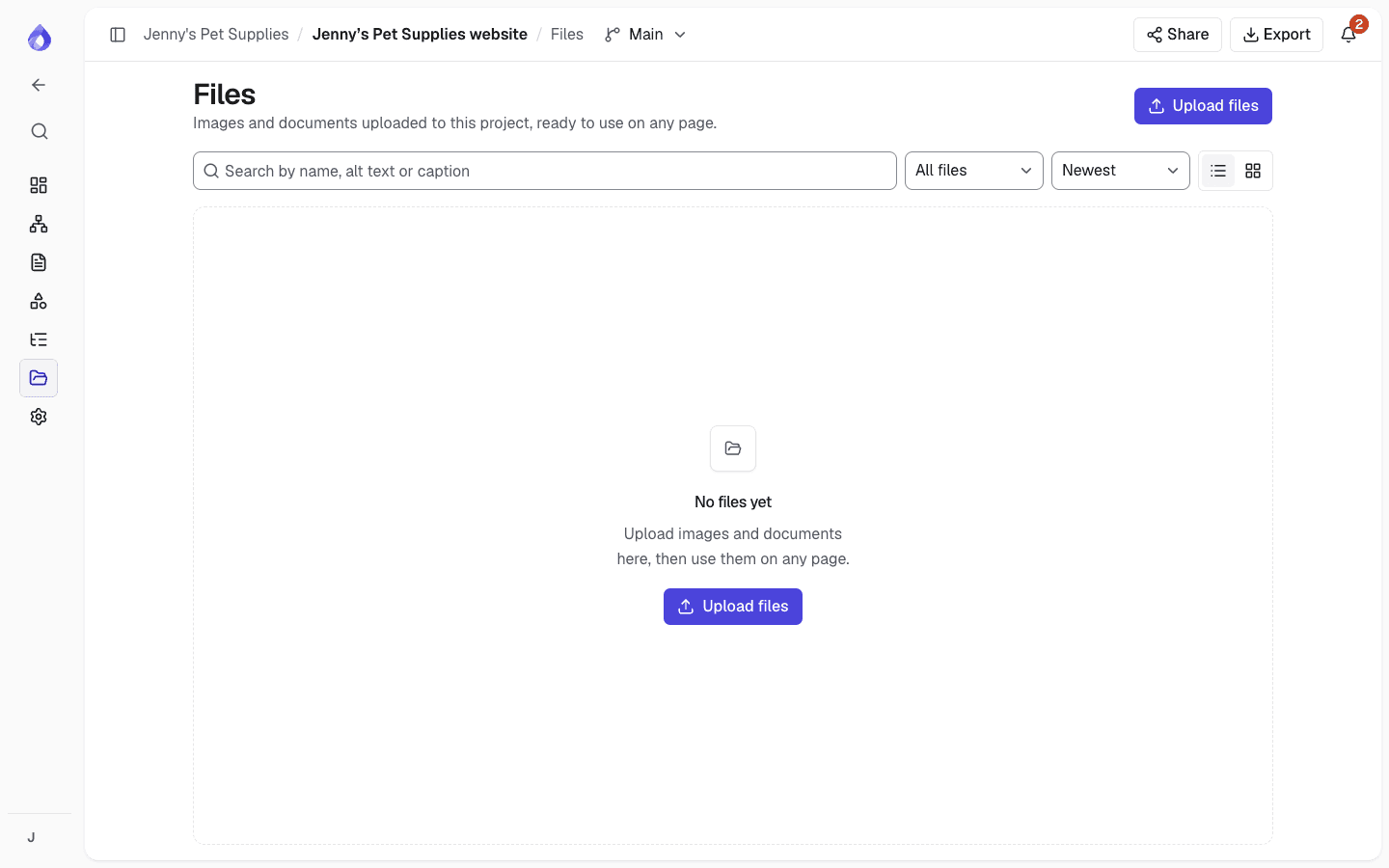
Packages hold text only. The module downloads files with the read-only token, only from the PagePot address an administrator set, and checks each file’s size and SHA-256. Images and YouTube or Vimeo videos in rich text become shared media entities.
- A file replaced in PagePot is downloaded again on the next import
- Each image or video becomes one media item, reused wherever it appears
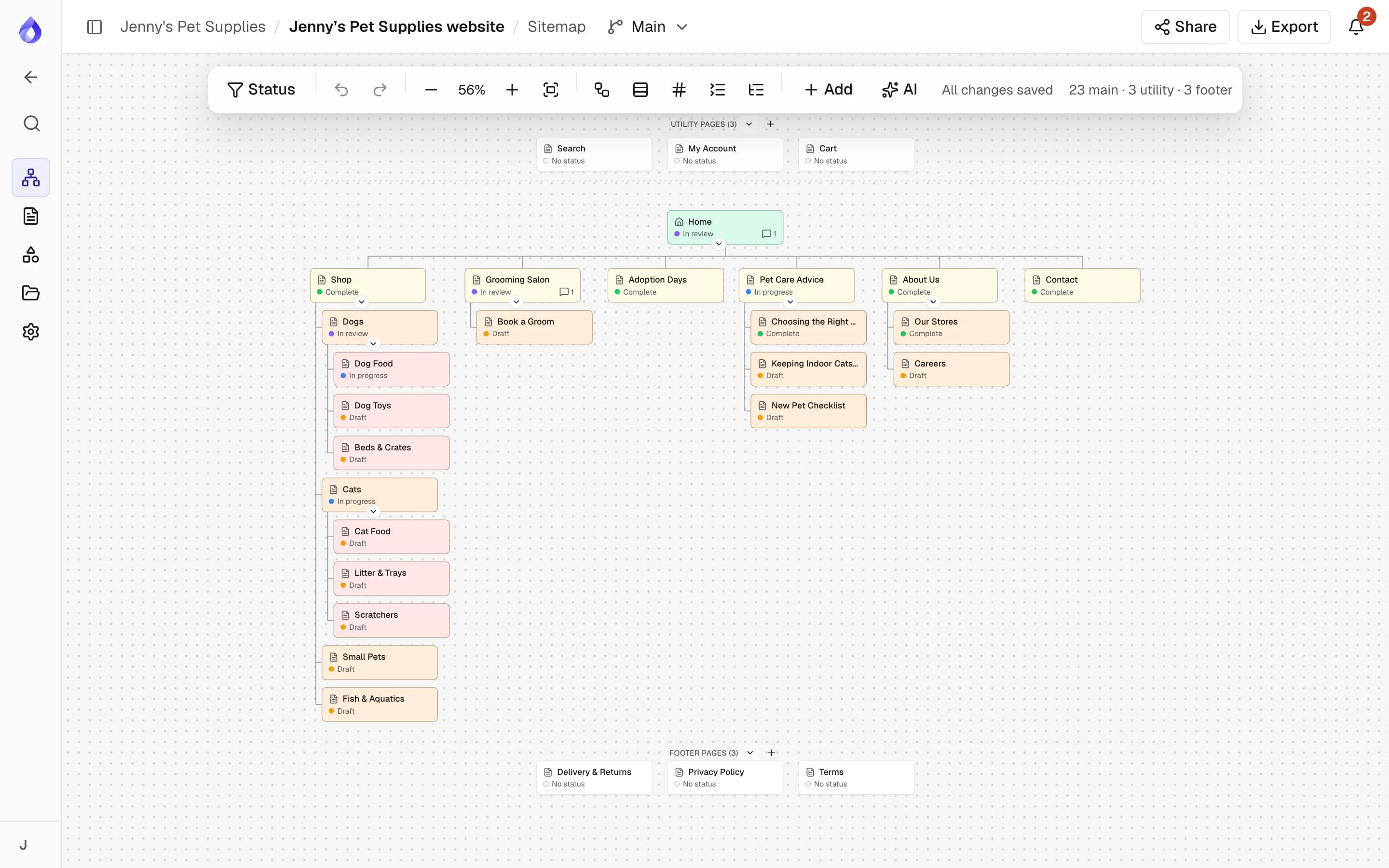
The sitemap becomes menus
Menu links follow the sitemap’s order and hierarchy for the main, utility and footer navigation. Groups become unlinked parents, and re-imports update the links they created while keeping whether each link is enabled or expanded.
Languages become translations
Choose the Drupal language for each PagePot language. With Content translation enabled, other languages are imported as translations of the same node, including translations of shared paragraph fields.
SEO and metadata come along
Map PagePot SEO fields to a Metatag field. Page metadata such as categories and tags maps to taxonomy term references, list or text fields; missing terms are created in the field’s vocabulary.
Built for ongoing sync, not just launch day
Live sync
Fetch the project’s current content from the import page, without exporting a file.
Sync on cron
Sync hourly, every 6 hours or daily, and choose whether automatic syncs keep or overwrite pages edited in Drupal.
Drush commands
Run pagepot:sync and pagepot:import from scripts and CI, with dry-run and conflict options.
No duplicates
Each import updates the nodes it created before instead of creating new ones.
Conflict detection
Pages changed in both PagePot and Drupal are flagged so you decide which version wins.
Revisions with a log message
Updates add a revision that names the package they came from.
Content moderation aware
Imports land in the workflow’s draft state, so published pages don’t change until an editor publishes them.
Import reports
Reports → PagePot imports lists each import with its counts and messages.
Resumes after interruptions
If an import stops part-way, the next one finishes the pages it started.
Delete imported content
Remove what imports created for a project, from the UI or with Drush.
Read-only tokens
Integration tokens can only read. Revoke one in PagePot to cut access at once.
Drupal package export
Download a Drupal package (JSON) from PagePot’s export dialog to import without a live connection.
Who uses the Drupal integration
Drupal agencies
Get client content approved in PagePot, then import it into the build instead of re-entering it.
PagePot for agenciesTeams planning a Drupal migration
For Drupal migration planning, crawl or import the current site, restructure it, rewrite the content, then import the result into the new Drupal 11 site.
Website redesignsDrupal developers
Model templates on your content types and let editors fill them. Imports run from the UI, Drush or cron.
API and webhooksFrequently asked questions
Which Drupal versions does PagePot support?
The PagePot module is for Drupal 11 and needs PHP 8.3 or later.
Which PagePot plan includes the Drupal integration?
The Drupal integration is on the Team and Agency plans, with integration tokens and the Drupal package export.
Is imported content published straight away?
No. New nodes and translations are created unpublished, and updates keep each node’s current status. With Content moderation, every import is a draft, so live pages don’t change until an editor publishes them.
What happens if someone edits a page in Drupal after importing?
The next import shows it as a conflict if it also changed in PagePot, or unchanged if it only changed in Drupal. You choose to keep the Drupal version or overwrite it with PagePot’s.
Does it work with Paragraphs, Media and Metatag?
Yes. Blocks can map to paragraphs (nested too), files to media reference fields, and SEO fields to Metatag. These modules are optional.
Can I use PagePot for Drupal migration planning?
Yes. Import the existing site’s sitemap XML or crawl it (Pro plan and up), plan the new structure and content in PagePot, and import it into the new Drupal 11 site with the module.
Can I import without connecting Drupal to PagePot?
You can upload a Drupal package (JSON) exported from PagePot. An integration token is still needed for the module to download files.