



Multilingual planning
Multilingual website planning on one page structure
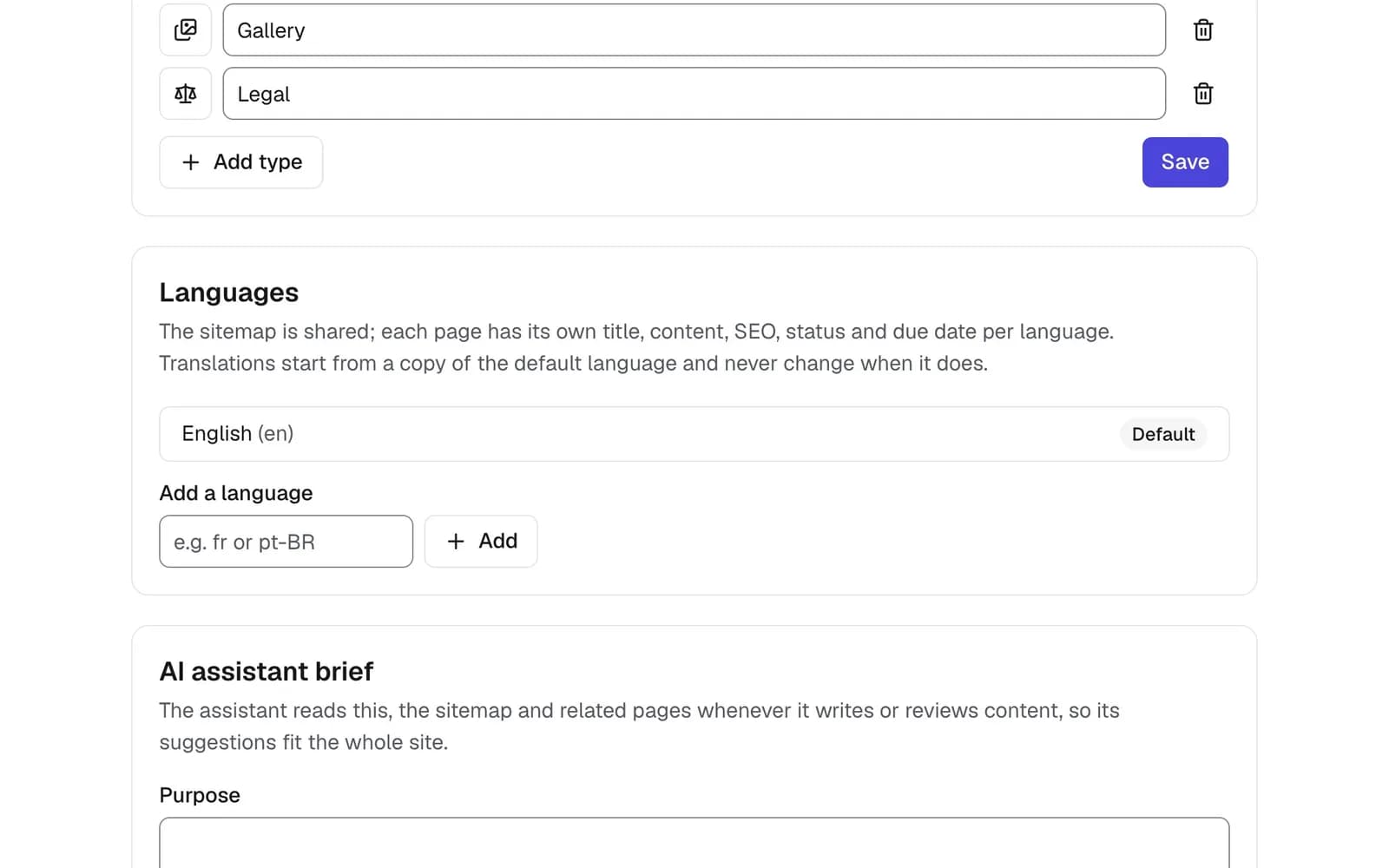
Add languages to a project and each page gets its own title, slug, content, SEO, status and assignees. See what isn’t translated yet, right on the sitemap.


One spreadsheet per language falls out of step
Translations get tracked in separate files, so a page added to the English plan never reaches the Spanish one. Nobody can say which languages are done, and translated URLs are worked out at the last minute.


Multilingual website planning in one project
In PagePot every language shares the same sitemap. Each page holds a version per language with its own content and workflow, so gaps show up on the map and progress is tracked per language.
One structure
Plan pages once. Every language hangs off the same sitemap, so nothing gets left behind.
Separate workflow per language
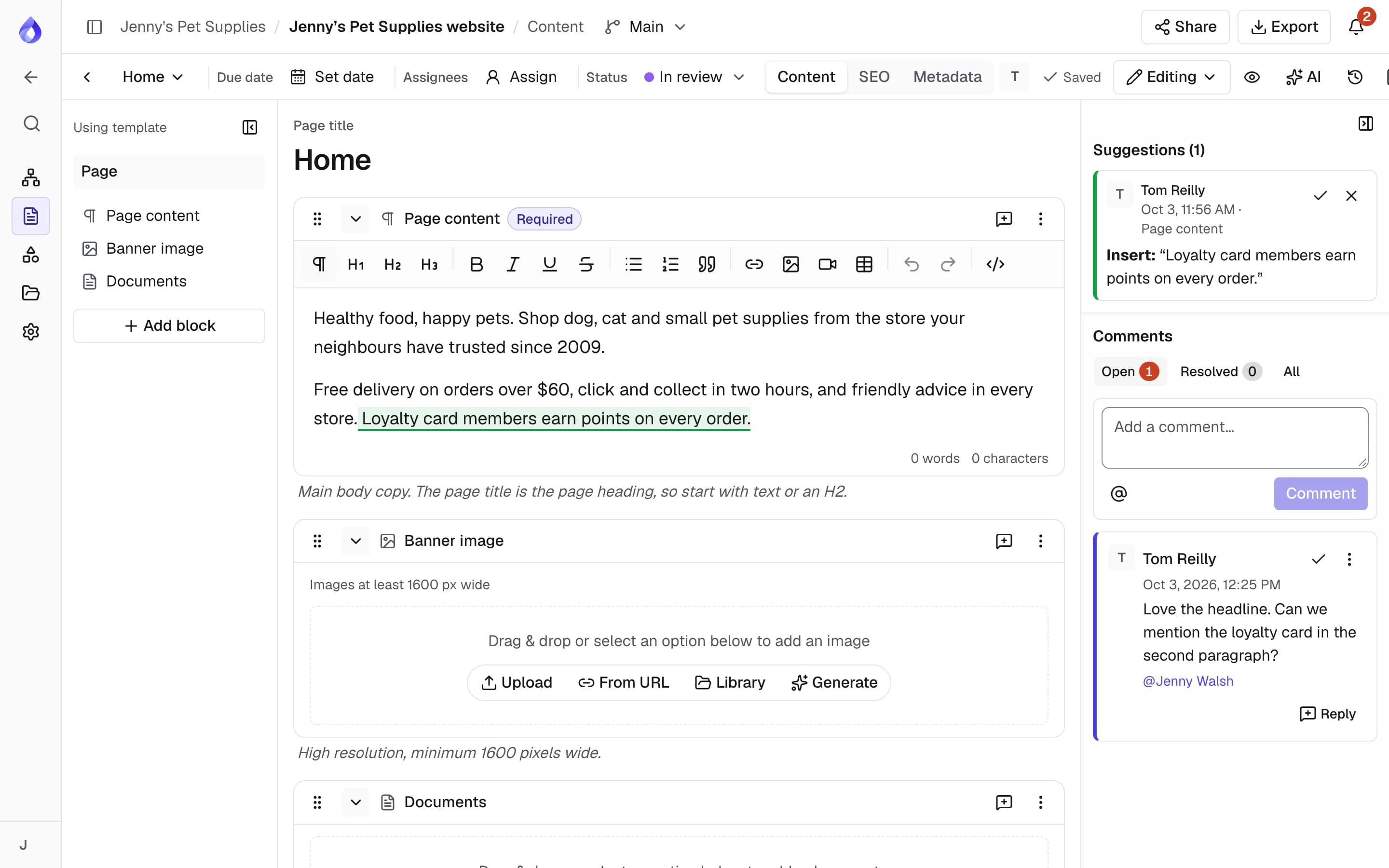
Each language has its own status, assignees and due date, so translators are assigned and tracked on their own.
Ready for launch
Localised paths and hreflang links come out in the exports developers use.
How multilingual planning works
A full version of each page per language
Each language has its own title, slug, content, SEO, status, assignees and due date. Paths in other languages start with the language, for example /es/tienda/perros.
- Copy from the default language, or start blank
- Project managers start translations from the content overview too
- Metadata fields can have a different value per language
A multilingual sitemap with missing-translation flags
Switch the sitemap to another language to see its titles and paths. Pages without a translation are marked "Not translated". You can add pages in any language; moving and deleting pages happens in the default language.
Track translation progress
Filter the content overview and calendar by language. Assign a translator to the Spanish version only and give it its own due date. Overdue translations are flagged like any other page.
SEO for every language
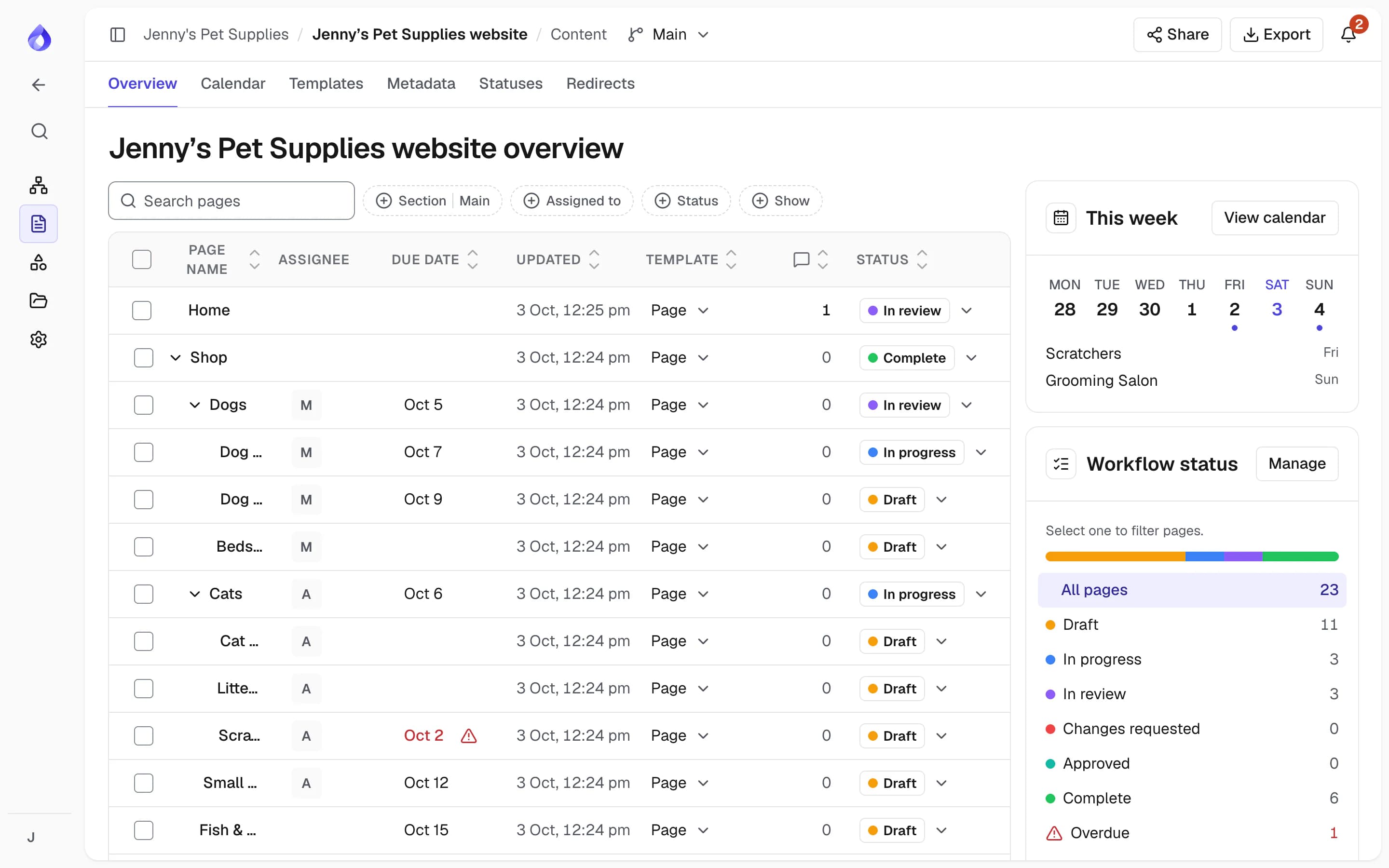
Write a page title, description and slug for each language, so every version is ready for search.
Exports with localised paths and hreflang
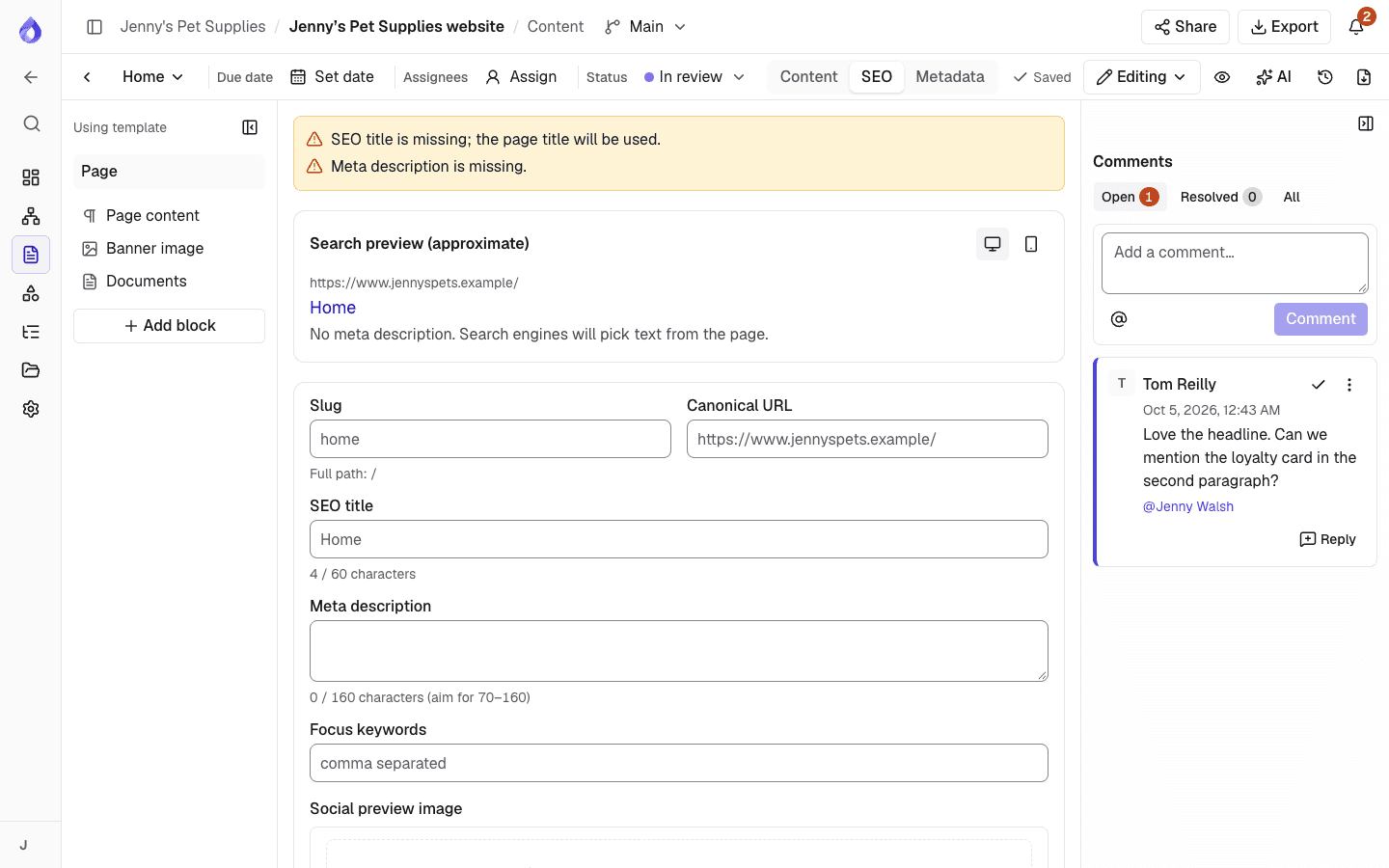
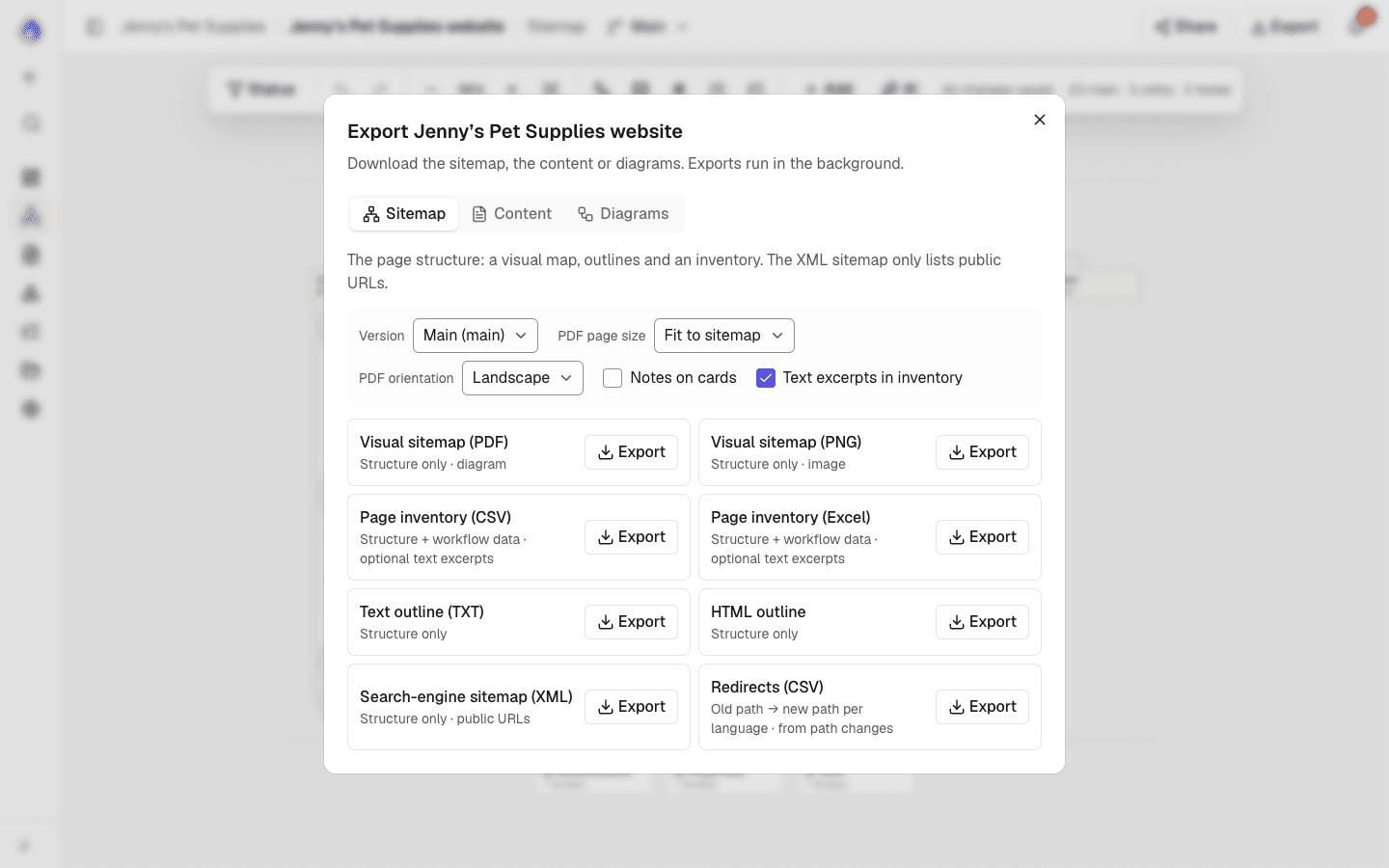
The search-engine sitemap (XML) lists every language with hreflang links. The page inventory CSV has one row per page and language, and the content document (PDF or Word) is exported in the language you choose.
Client review in every language
Share links have a language switcher, so a client in Madrid reviews the Spanish pages and leaves comments on them.
More for multilingual sites
Language switcher in the editor
Move between a page’s languages without leaving the editor.
Language switcher on the sitemap
See the whole site’s structure in any of its languages.
Add pages in any language
A page added in another language also gets a version in that language.
AI in other languages
The AI assistant drafts and rewrites in the page’s language, and suggests pages in the language you’re viewing.
AI assistantLocks per language
One person edits a page in one language at a time, so a writer and a translator can work side by side.
Per-language assignees
Assign translators to their language only. They’re notified when assigned.
Per-language statuses
The English page can be approved while the French one is still in review.
Filters by language
The content overview and calendar show one language at a time.
Slack updates on translations
Optionally post new translations to a project’s Slack channel.
Safe language removal
Removing a language asks you to type its code first, because its content is deleted.
Set up at the start
Choose the default and additional languages when you create a project, or add them later.
Set up a multilingual project
- Pro plan and up
Add languages
Project managers add languages when creating the project, or in Project settings → Project information → Languages.
Start translations
Open a page in the editor, switch language and copy from the default language or start blank.
Assign and track
Give each language its own assignees and due dates, and follow progress in the overview.
Review and export
Share the plan with a language switcher, then export localised paths and an XML sitemap with hreflang.
Who it’s for
Agencies with international clients
Plan every market’s site in one project and get sign-off per language.
PagePot for agenciesContent teams and translators
See exactly which pages need translating, who owns them and when they’re due.
Marketing and digital teamsTeams relaunching in new markets
Bring in the current site, then plan the new language versions page by page.
Website redesignsFrequently asked questions
How do you plan a multilingual website?
Agree one page structure, then plan each language as a version of the same pages: translated titles, slugs, content and SEO, with someone responsible for each language. PagePot keeps all languages on one sitemap and flags pages that aren’t translated yet.
Which plan includes languages?
Languages are on the Pro, Team and Agency plans. The 14-day free trial is a Pro trial, so you can try them without a card.
Can each language have its own URL slug?
Yes. Each language has its own title and slug. Paths in other languages start with the language, for example /es/tienda/perros.
Does the XML sitemap export include hreflang?
Yes. The search-engine sitemap (XML) lists every language with hreflang links to the other versions.
Can I assign translators to one language?
Yes. Each language of a page has its own assignees, status and due date, so a translator can be assigned to the Spanish version only.
Can the AI assistant write in other languages?
Yes. Drafts and rewrites are written in the page’s language, and sitemap suggestions in the language you are viewing.