Members and invitations
Invite people to the workspace and its projects, and manage workspace roles.
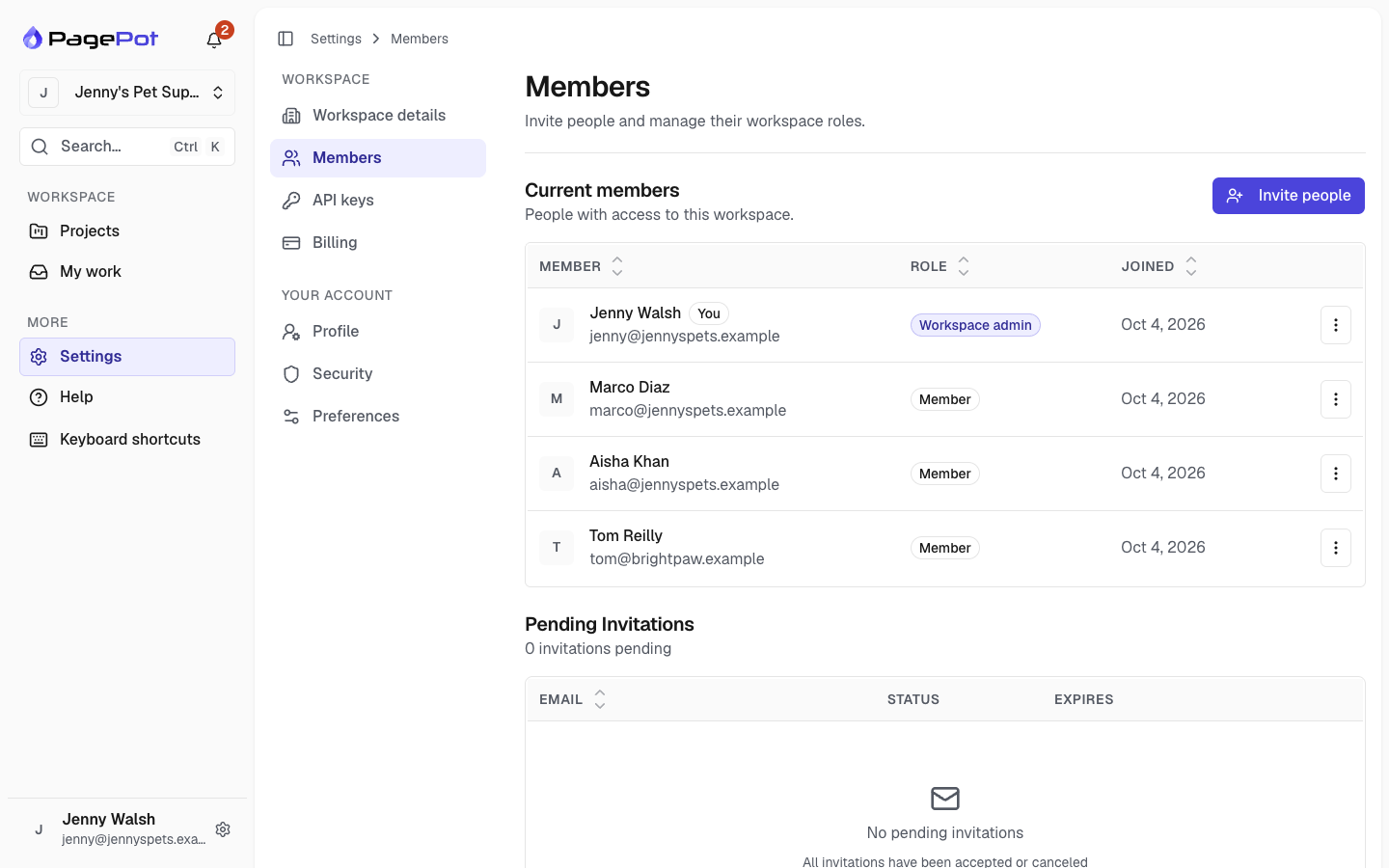
Settings → Members lists everyone in the workspace, as Workspace admin or Member.
Invite people
Workspace admins click Invite people:
- Enter up to 10 email addresses.
- Choose their workspace role.
- Optionally add them to projects, each with its own role (Project manager, Editor or Viewer).
- Optionally write a welcome message.
- Click Send invite.
Inviting needs a free seat on your plan; Viewers don't use a seat. People already in the workspace get their project roles at once.
Invitations that haven't been accepted yet are listed under Pending invitations, where you can resend or cancel them. The list only appears while there are pending invitations.
Project managers can also add workspace members to their project from Project settings → Team members. See Roles and permissions.
When someone leaves
When a person is removed from the workspace, or leaves it, they lose access to every project, their page assignments are removed, and their API keys are revoked.

