Calendar
See due dates by week or month, and drag pages to reschedule them.
Content → Calendar shows pages on their due dates.
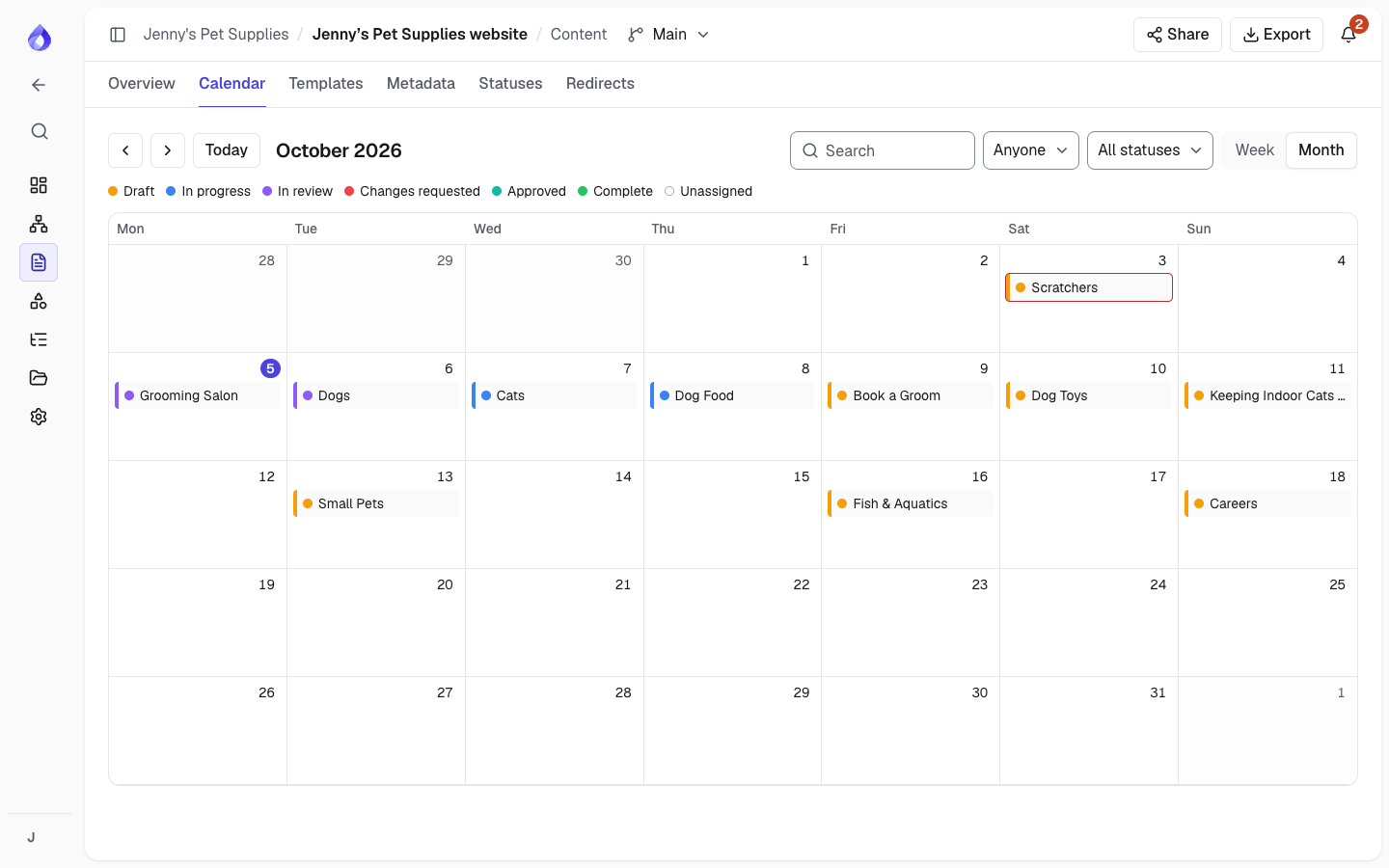
- Switch between Week and Month, move with the arrows, or jump to Today.
- Search, and filter by Assigned to (Anyone or Me) and status. The legend shows each status's colour.
- Drag a page to another day to change its due date.
- Click a page for its details and Open editor.
Due dates use the project's timezone. People get a reminder before a page is due and when it is overdue; each person can turn these off in My notifications.

